
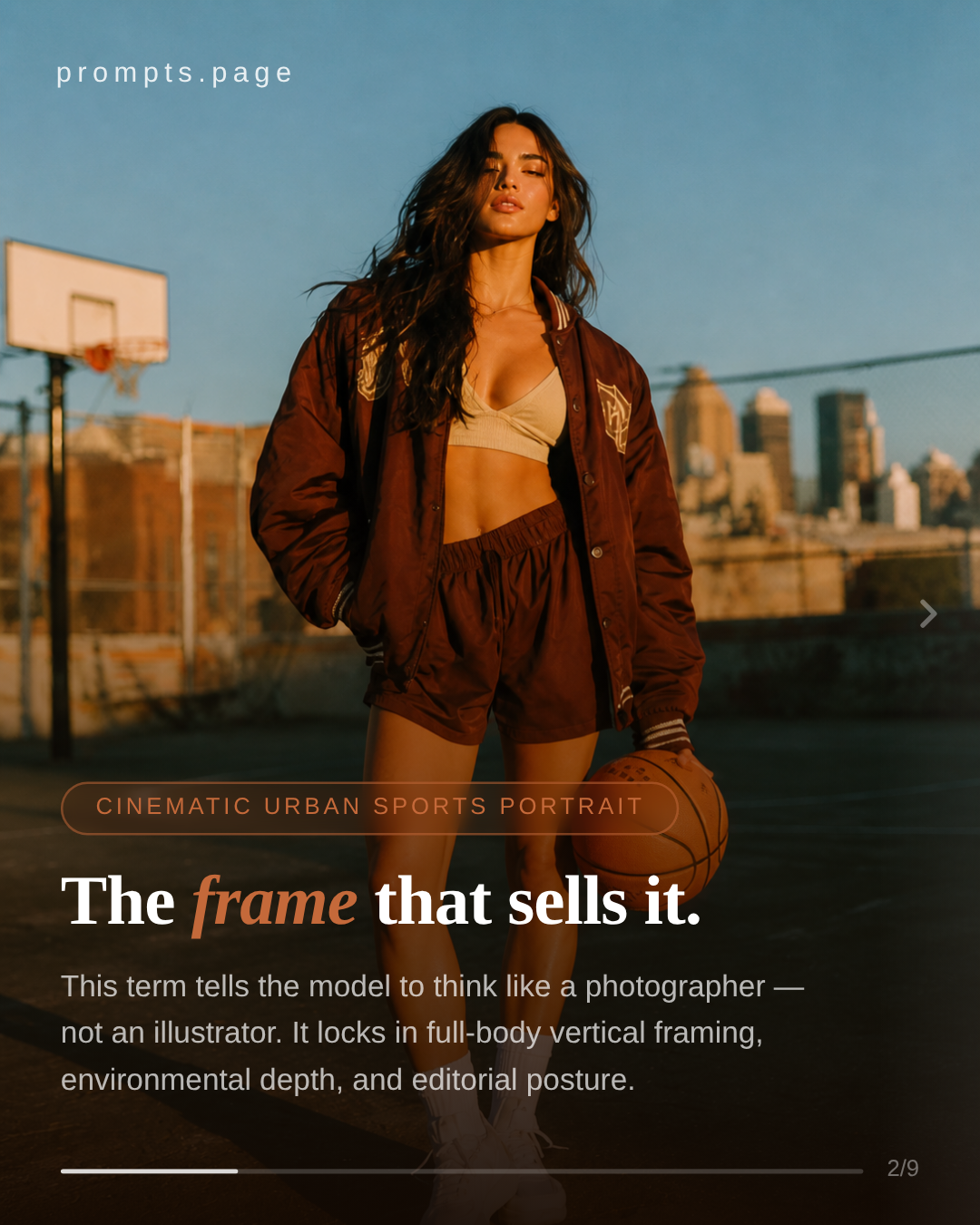
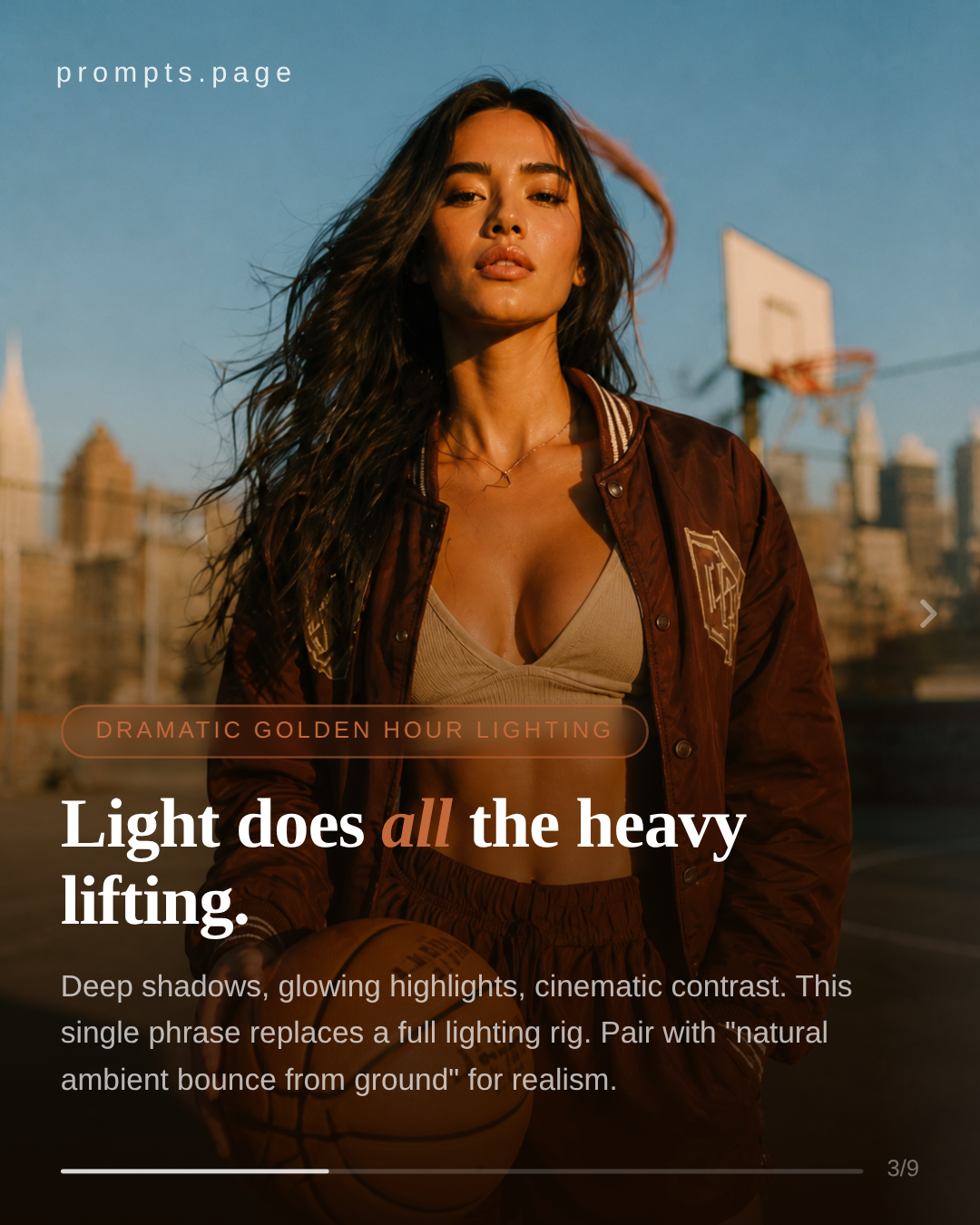

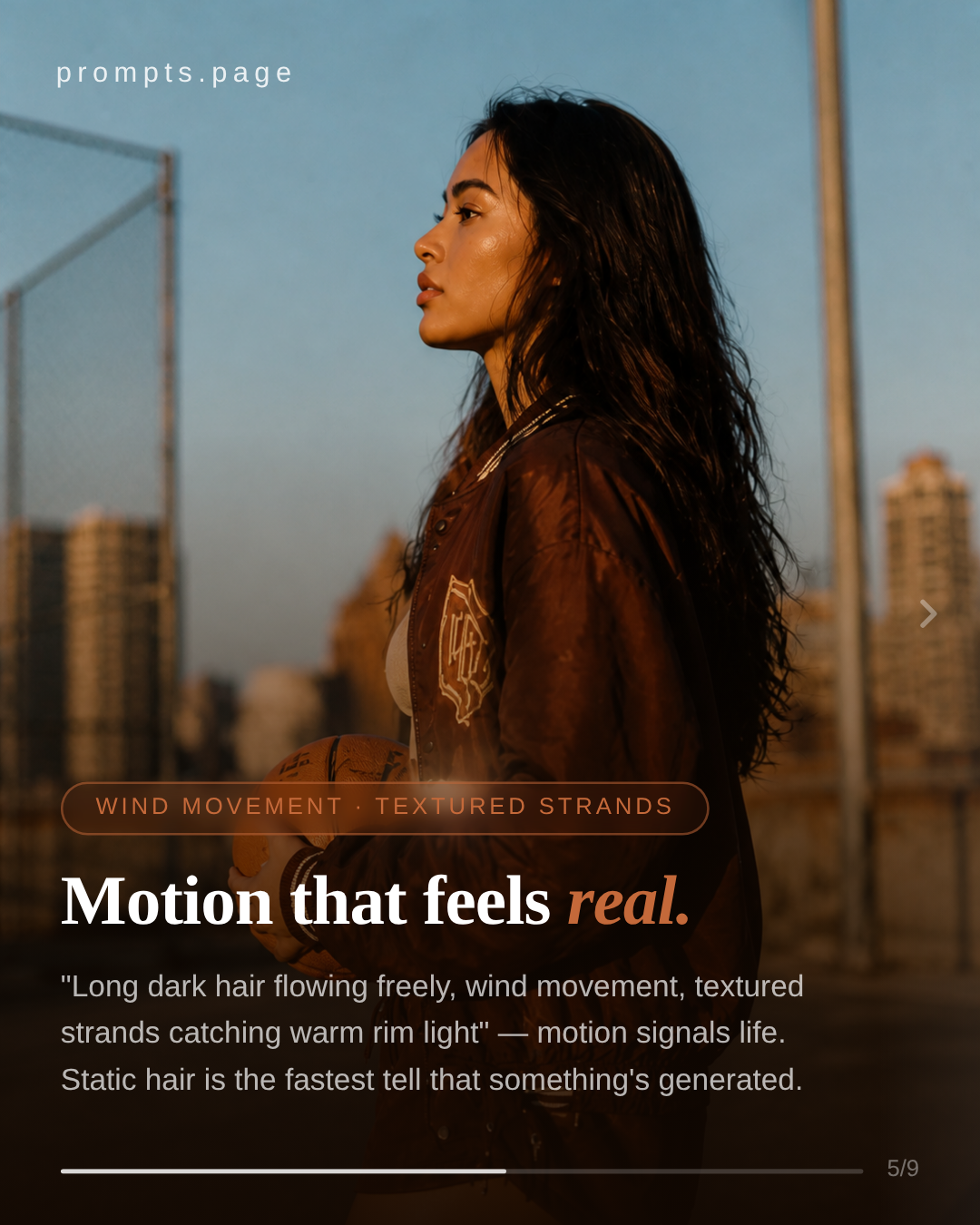
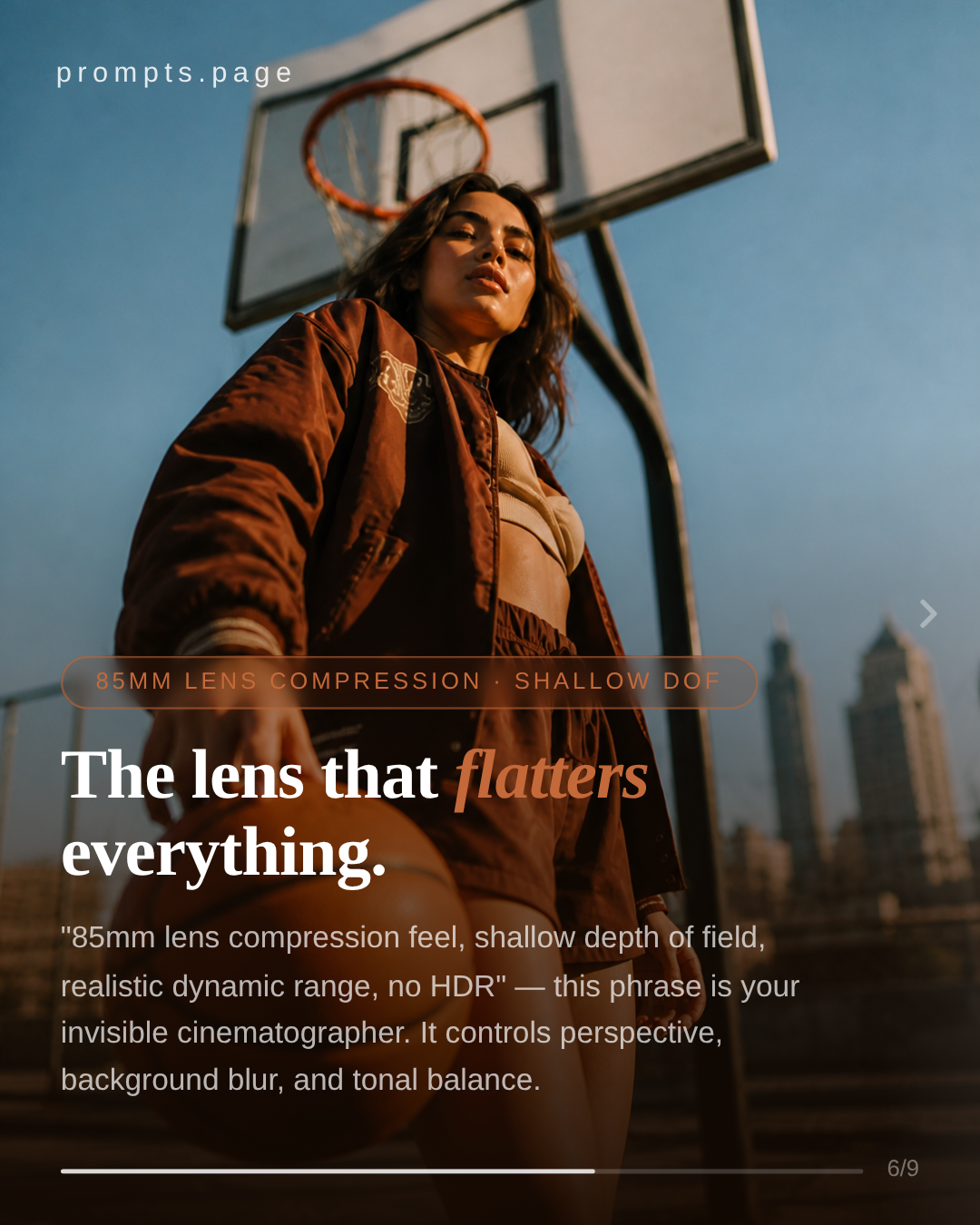
AI CAROUSEL DESIGN — AICAROUSELDESIGN.COM

MakeInstagramcarouselsthat peopleactuallystop scrolling.

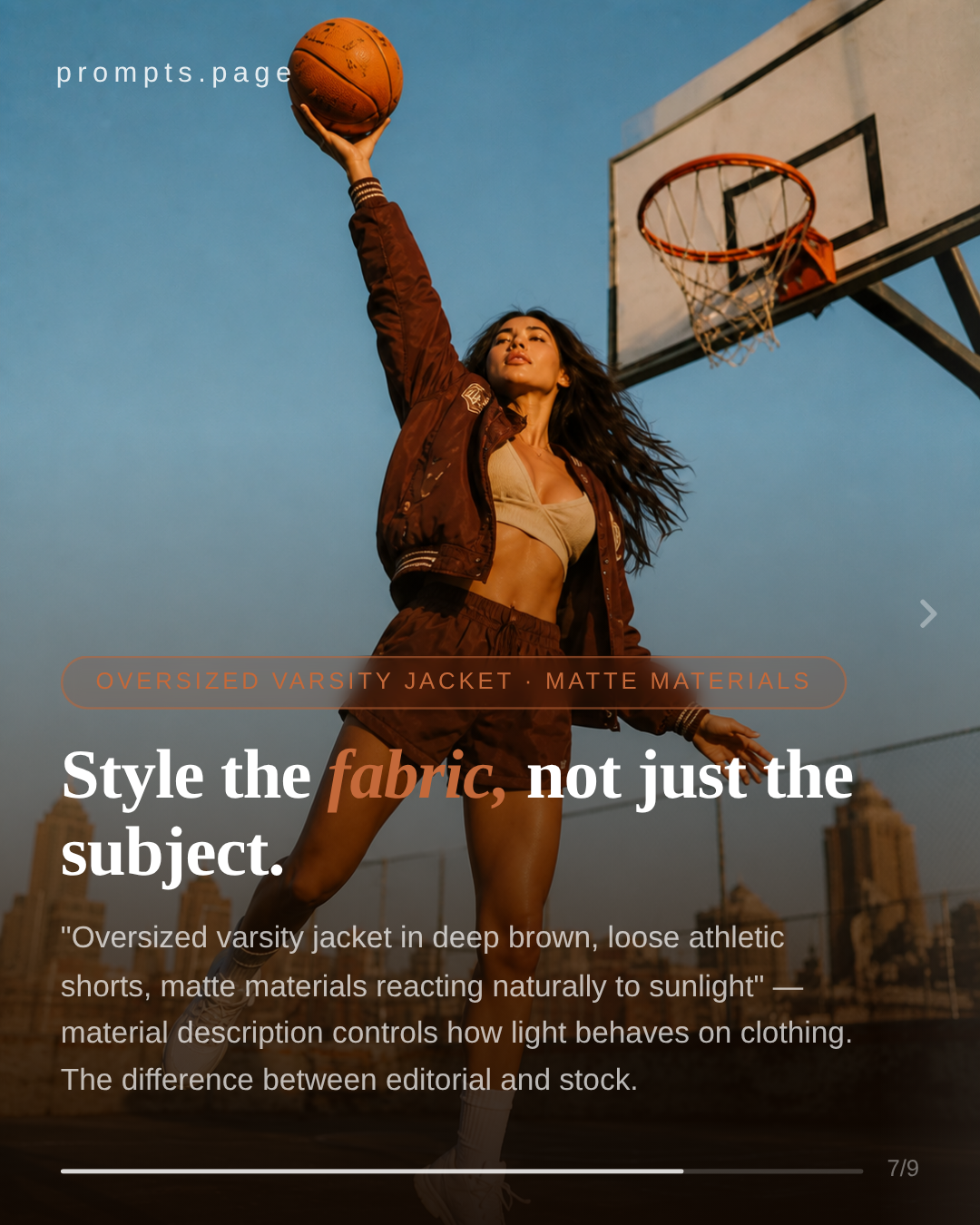
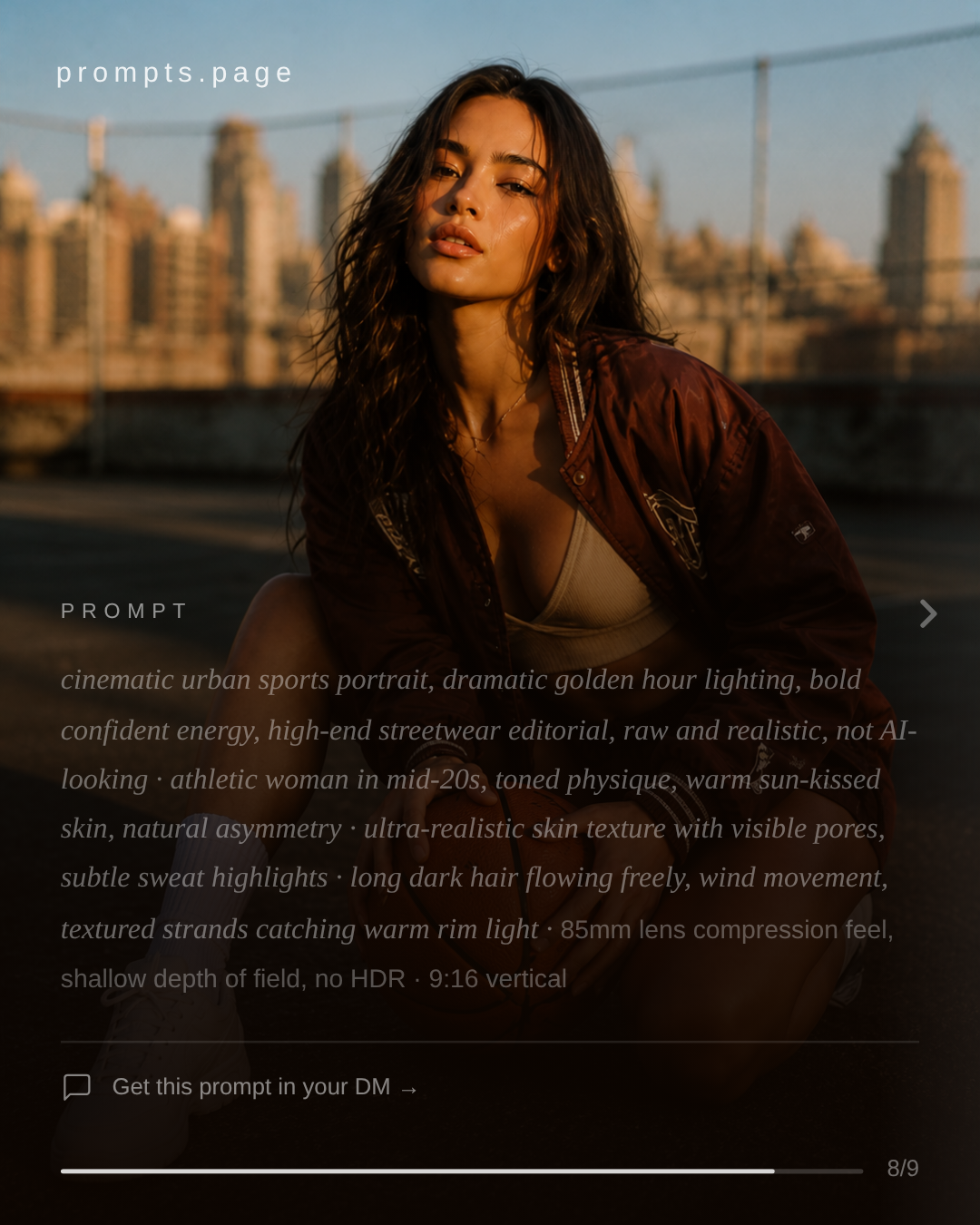
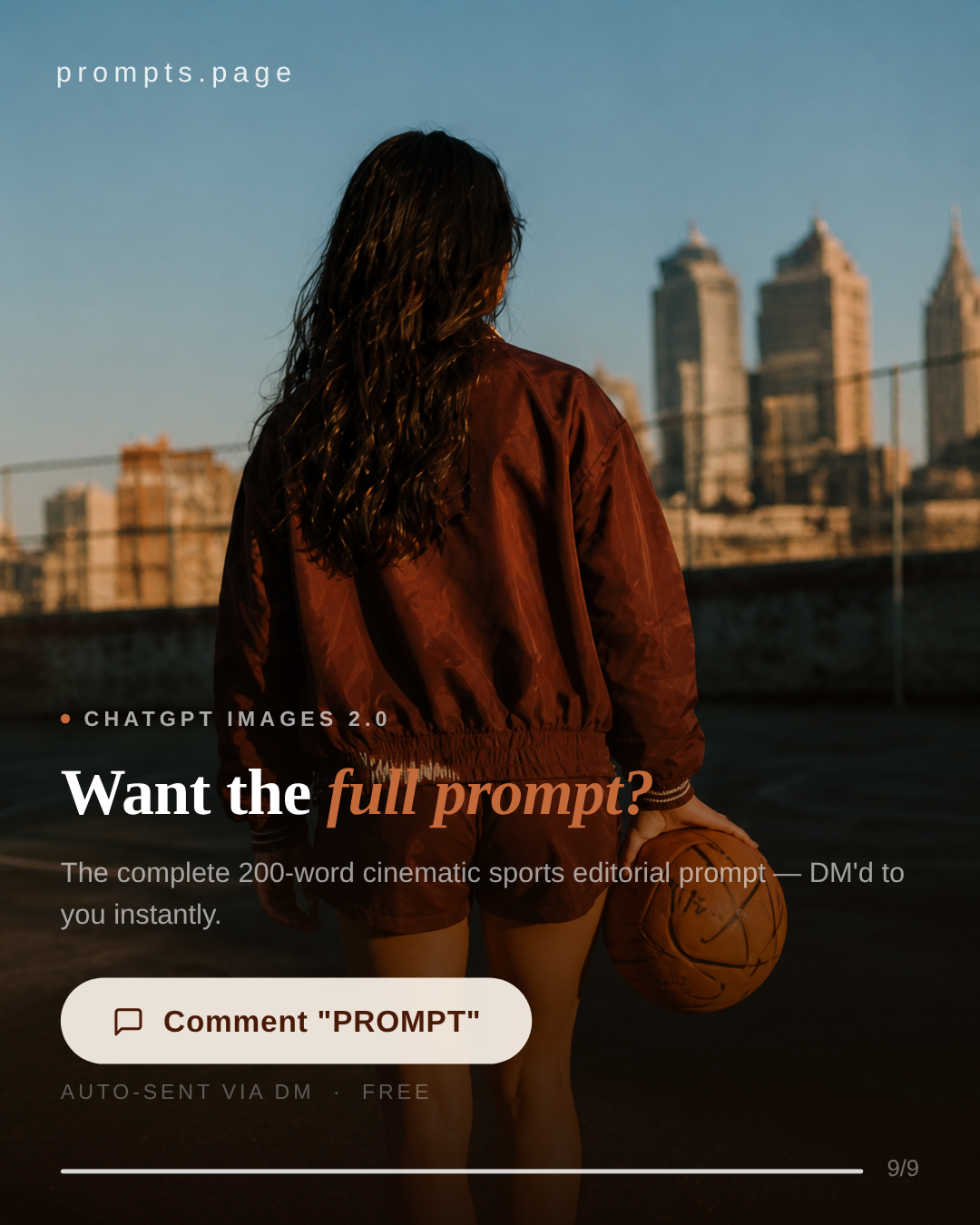
A simple web app for designing prompt-style carousels. Type your idea, pick a layout, drop in your AI images, and export a clean set of slides ready to post.

See real examples
SAMPLE DECK — SWIPE TO SEE ALL 9 SLIDES
01 / 09
Carousel slide 1
Carousel slide 2
Carousel slide 3
Carousel slide 4
Carousel slide 5
Carousel slide 6
Carousel slide 7
Carousel slide 8
Carousel slide 9
INSIDE THE APP


The three screens we use every day to ship posts for @prompts.page. Scroll through them in order.

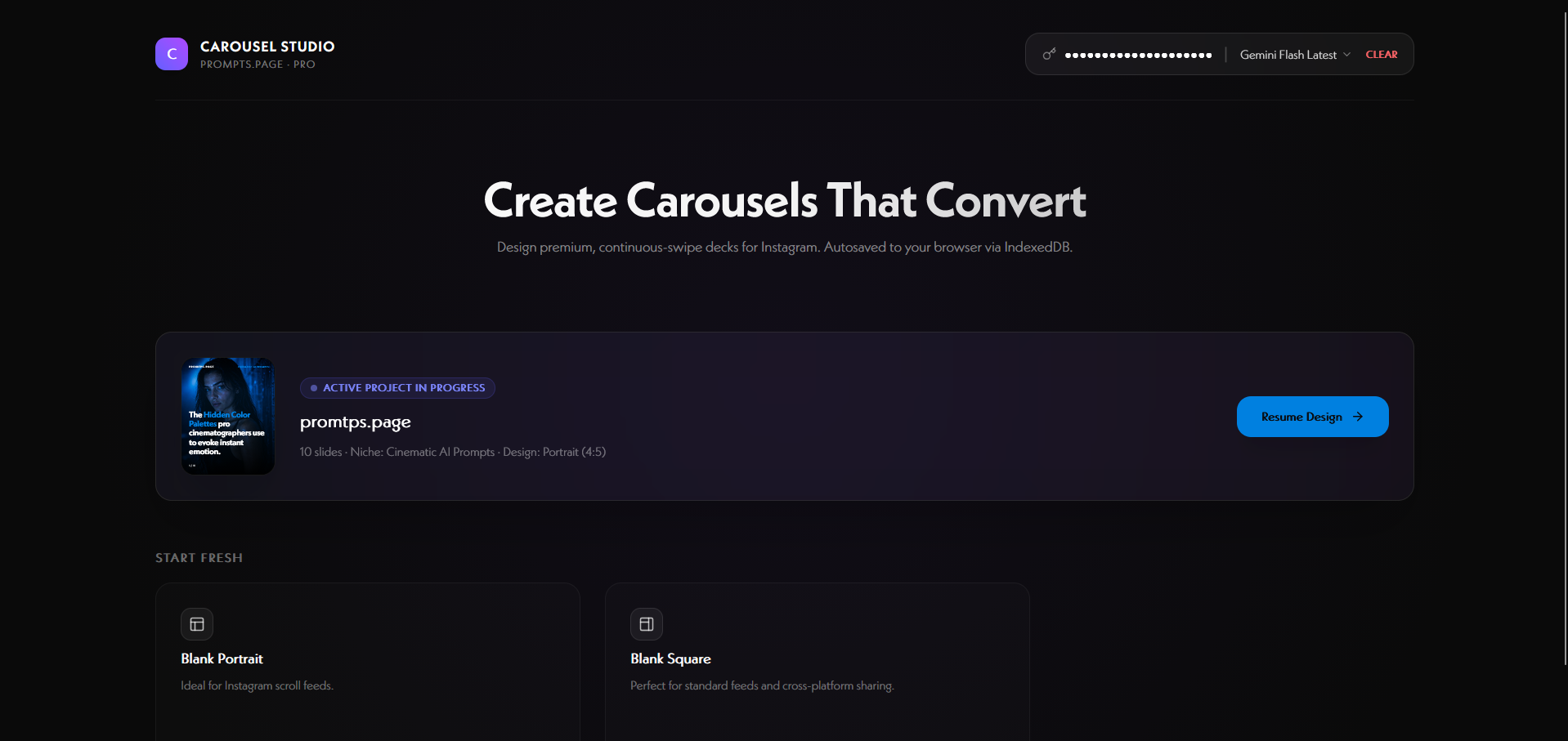
01 / DASHBOARD

Start a new portrait or square deck, or open a saved draft. Recent projects sit one click away.

app.aicarouseldesign.com
01
AI Carousel Design 01 / Dashboard
02 / BRAND & SWIPE PREVIEW

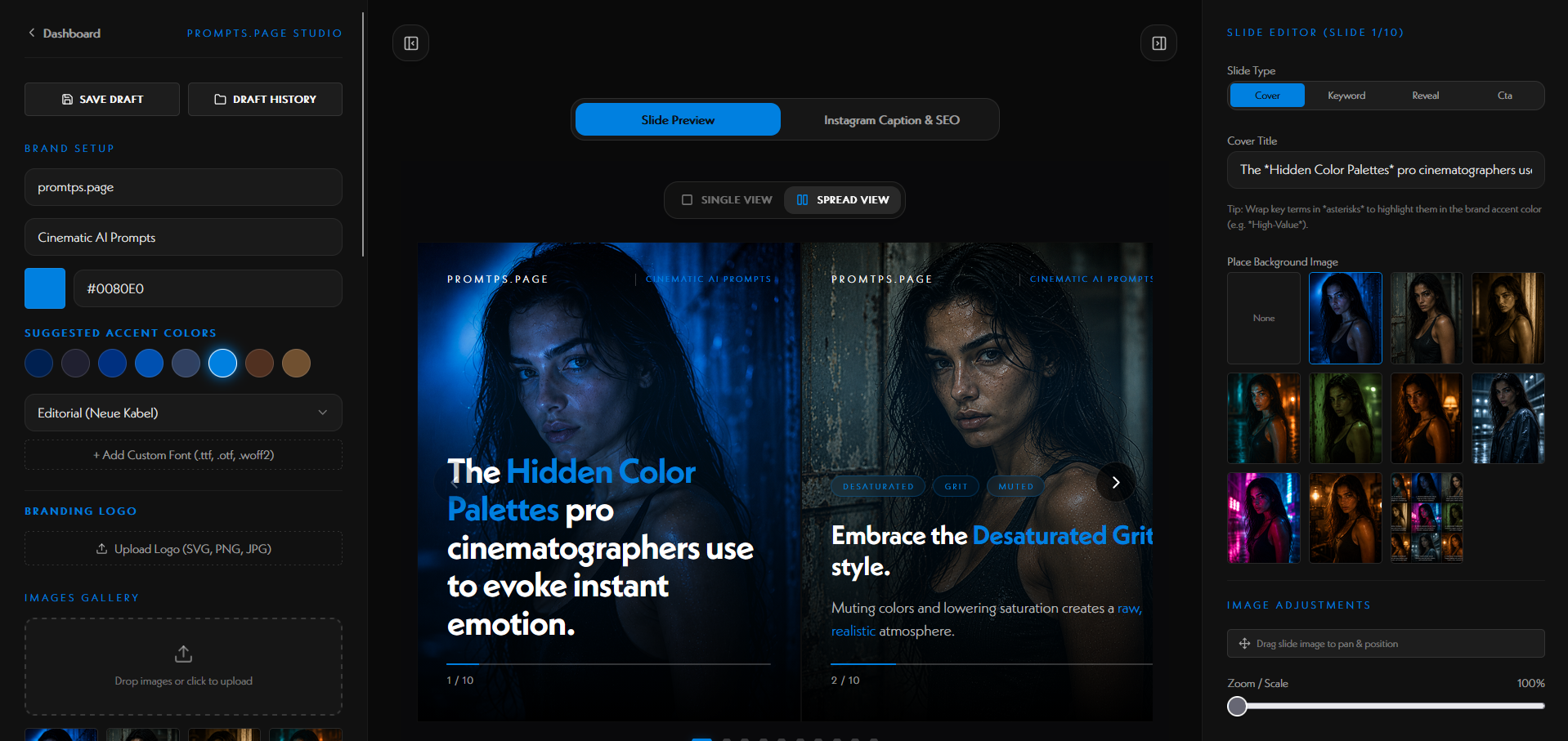
Set your wordmark, niche, and accent color once. Every slide picks it up automatically — including the progress bar and any text wrapped in *asterisks*. Scrub the whole deck side-by-side, the way Instagram shows it.

app.aicarouseldesign.com
02
AI Carousel Design 02 / Brand & swipe preview
03 / SLIDE EDITOR

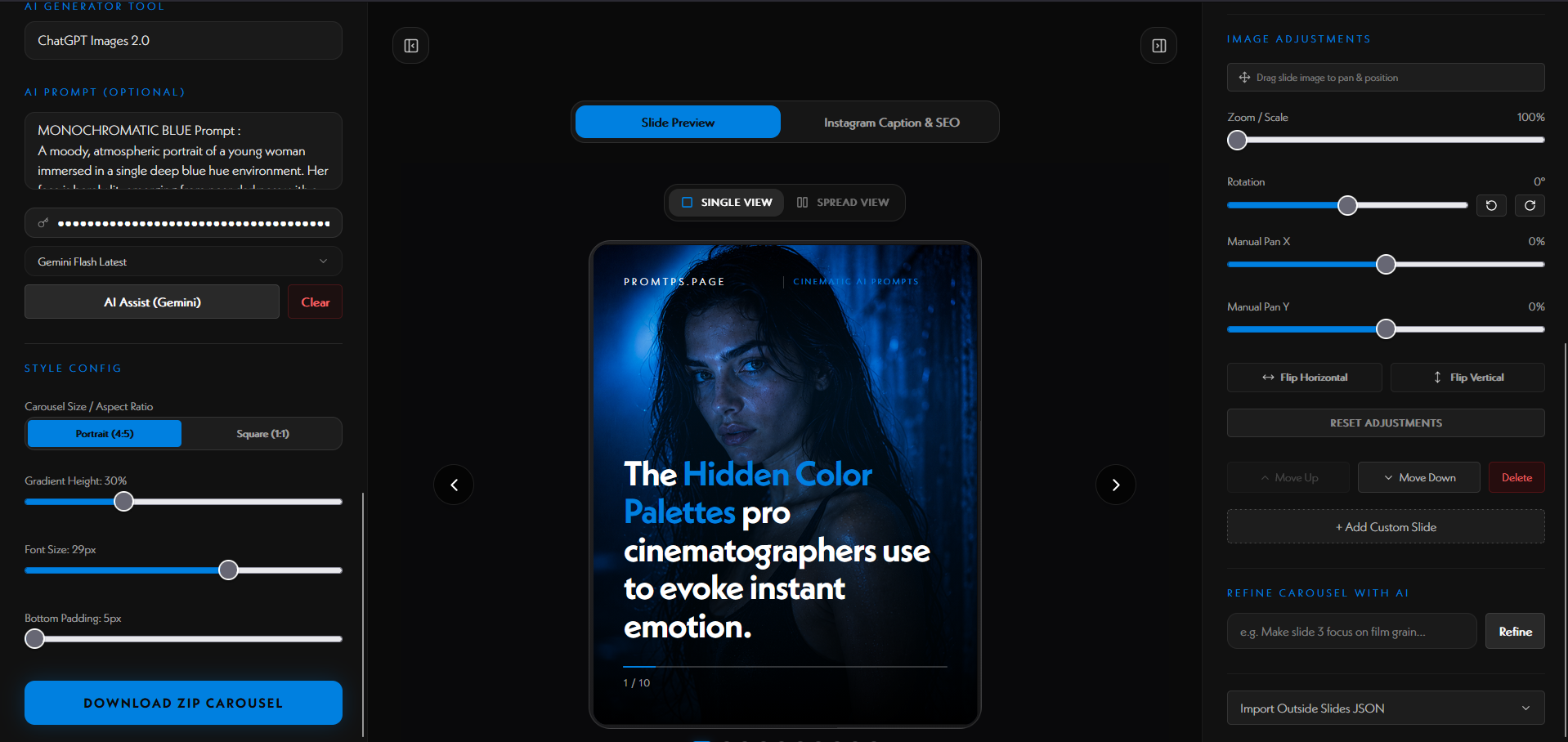
Zoom into a single slide. The right rail gives you typography, sizing, padding, and color controls. The left rail handles brand, prompt, and style.

app.aicarouseldesign.com
03
AI Carousel Design 03 / Slide editor
HOW IT WORKS


The studio reads your images, writes the slides, and gives you a caption with up to 30 SEO keywords — all in your browser, with your own Gemini key.

01

Drop in your AI images

Upload one or many AI images from Midjourney, ChatGPT, Higgsfield — any tool. The order does not matter. The studio reads each file name and the actual visuals, so you can rearrange them any time and the content keeps making sense.

02

Set your topic, prompt and tool

Type your topic in plain English. Add the prompt you used and the tool you used (Midjourney v7, ChatGPT 2.0, etc.). These two fields are what makes your carousel a real storytelling breakdown, not just pretty pictures.

03

Get 5 hook suggestions

Tap Brainstorm hooks and Gemini returns 5 click-worthy first-slide lines in different angles — shock, aspirational, clean, curiosity, contrarian. Click any one and it becomes your cover slide.

04

Generate the slide content

One click and the studio writes the whole deck — cover, breakdown slides matched to each image, and the prompt-reveal slide. Highlights are auto-tagged so they pick up your accent color.

05

Refine anything you don't like

Don't love the hook? Hit Refine and type what to change in plain English ('make it punchier', 'less salesy'). Same for any slide. Reorder images freely — the copy stays in sync.

06

Caption + 30 SEO keywords

The Instagram caption writer drafts a hook line, a value sentence, a tool mention and a DM trigger. Underneath it appends up to 30 comma-separated SEO keywords tuned for your topic. Copy, paste, post.

REAL POSTS


These are live posts from @prompts.page — the likes, comments and saves are real. Tap any post to open it on Instagram.

WHY WE BUILT IT


We post on @prompts.page almost every day. Each post is a slide breakdown of an AI image — what prompt was used, what lighting, what camera. Building those decks in Figma was painful: aligning wordmarks, cropping images to 4:5, copying long prompts.

AI Carousel Design does that work for us. The layout is locked, the crops happen automatically, and the captions are generated in one click. Everything lives in your browser — no accounts, no uploads, no subscriptions. We made it free so you can use it too.

Try it yourself
Free. No account. Opens in your browser.
FEATURES


Everything runs in your browser. No accounts, no servers, no hidden costs.

Brand setup & dynamic accent

Set your wordmark, niche and accent color once. Wrap text in *asterisks* and that text picks up your accent across every slide and progress bar.

Custom typography engine

Pick from Editorial, Modern or Minimal type pairings — or upload your own .ttf / .otf / .woff and it loads instantly with FontFace.

Logo editor

Text only, logo only, or logo + text. Size from 16px to 80px and dial the opacity for a watermark feel.

Client-side Gemini engine

Paste your own Gemini key. The browser talks to Google directly — your key never touches our servers. Brainstorm 5 viral hooks or auto-generate the full deck from your images.

Caption & SEO writer

Drafts a single-paragraph caption with a hook, value line, tool mention and a DM trigger — plus up to 30 comma-separated SEO keywords, ready to copy.

ZIP export

Renders each slide with html-to-image, packs them as numbered PNGs and a caption_and_keywords.txt, then triggers a browser download named after your brand.

Browser-safe drafts

Autosaves to IndexedDB on tab close or refresh. Open the Draft History panel to name, preview, restore or delete past versions — all local.

Suggested palette extractor

Reads the tones of your uploaded slide image and suggests matching accent colors. One click applies them to the whole canvas.

Type. Drop. Export. Post.·Made by people who actually post·Posted nightly on @prompts.page·Your drafts never leave your browser·We use it every single night·No purple gradients here·Bring your own Gemini key·